Before starting, please confirm your institution/organization is using NHA's platform for your learning. For more help on this, click here.
Step 1: Navigate to https://www.nhanow.com/
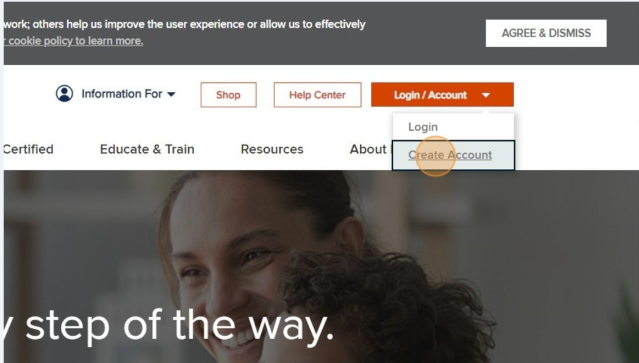
Step 2: Click "Create Account"
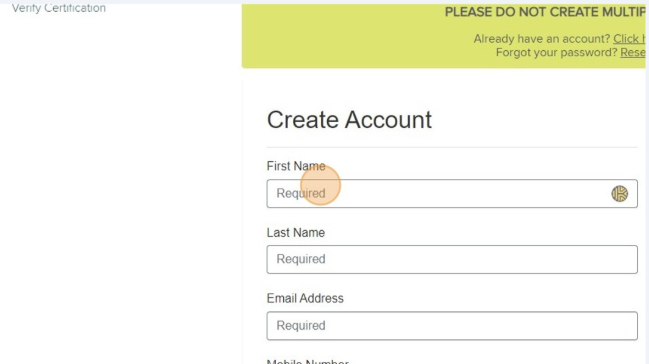
Step 3: Fill out the requested information (Name, Email, etc.)
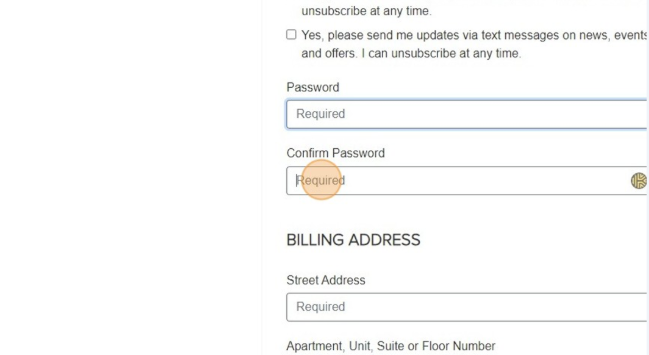
Step 4: Create a Password
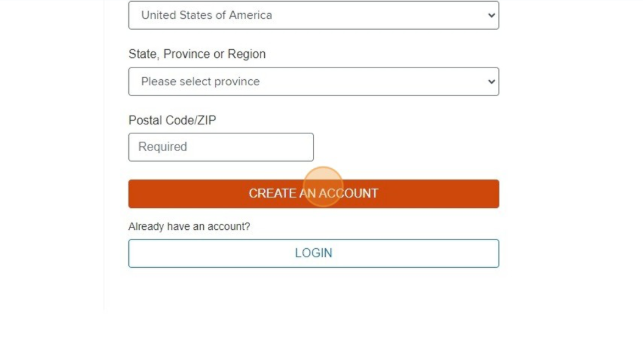
Step 5: Click "CREATE AN ACCOUNT"
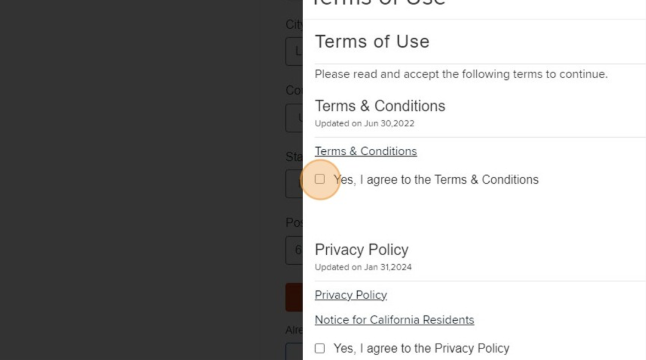
Step 6: Agree to the Terms & Conditions and Privacy Policy
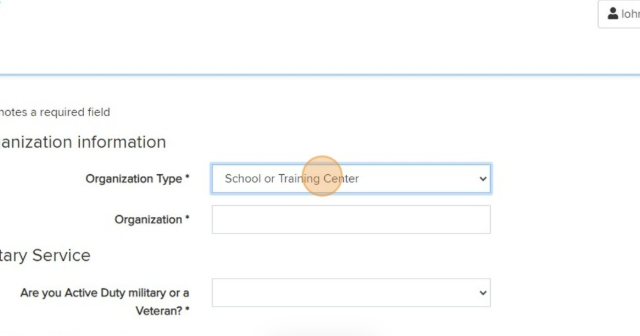
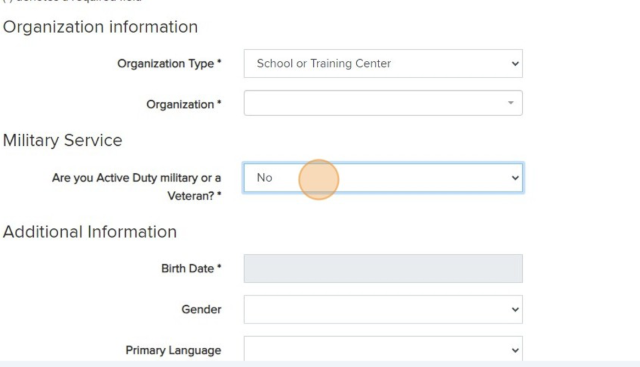
Step 7: Choose Your Organization Type of if you are Registering as an Individual
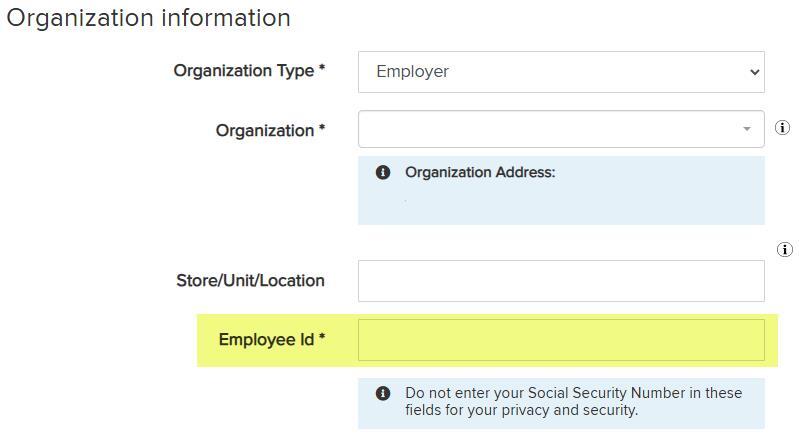
Step 8: If your Organization Type is "Employer," you may be asked to provide your Employee ID
Step 9: Continue filling out the requested information (Veteran status, DOB, etc.)
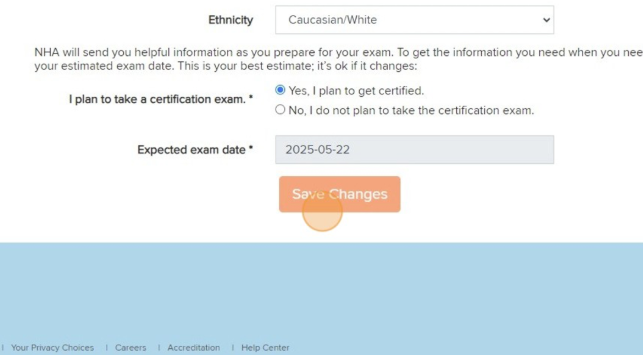
Step 10: Tell us if you plan to get certified and your expected exam date
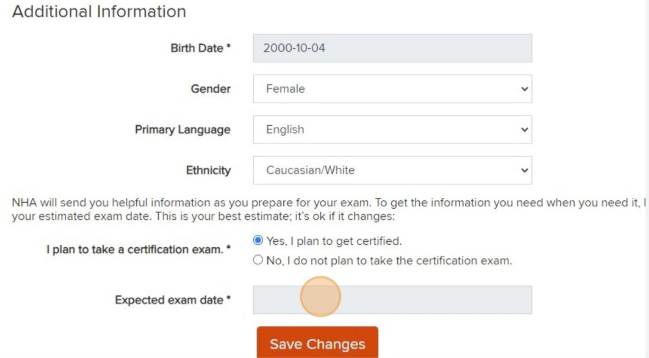
Step 11: Click "Save Changes"