*Not all Administrative roles have access to approve an exam roster. If this option is not available for you, please connect with your NHA representative for assistance.
Step 1
Log into your administrative account at NHANOW.com

Step 2
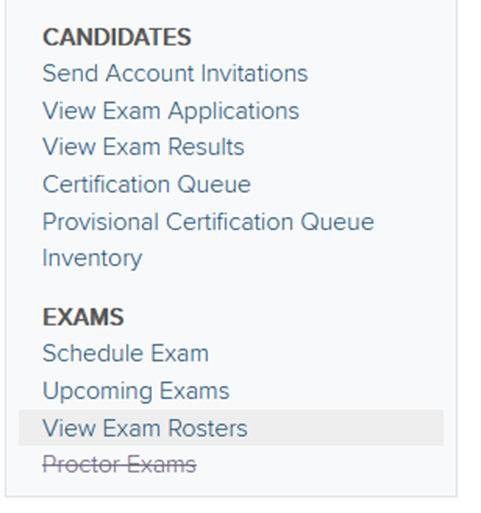
You can also directly access an exam roster by selecting View Exam Rosters
Step 3
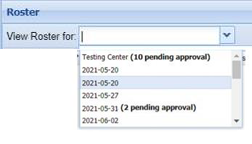
Select the correct exam from the listed options under View Roster For, and then choose Testing Center.
Step 4
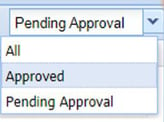
Check the filter located on the right-hand side to ensure your candidate(s) are listed. All Third-Party exams will default to All.
Step 5
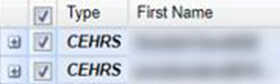
Select the box on the left-hand side of the candidate’s name and choose Approve Selected or Reject Selected as necessary.
-
If you have low or insufficient inventory, you will be notified with a banner message at the top of the page. You will not be able to approve exam rosters when you have insufficient inventory.
-
If you reject an application, that inventory will be returned to your account.
- If you do not accept or a reject an applicant, they will auto approve 3 days before the exam.